RIVALS Best Settings
Source: Aggregated from Roblox Den, DungeonPath, Pixel Twelve settings guides · Last checked: 2026-08-31
There's no single best sensitivity — it depends on your mouse DPI. Use the testing method below instead of copying a pro's exact numbers.
FOV by mode
| Mode | FOV | Why |
|---|---|---|
| 1v1 / 2v2 (duels) | 90 – 100 | Lower FOV works well in smaller modes — some guides suggest ~97 specifically. |
| TDM / FFA (larger modes) | 105 – 110 | Wider FOV helps track more players on screen. |
| General baseline | 85 – 95 | Balances situational awareness against target size if you don't want to tune per mode. |
Finding your sensitivity
- There's no universal best sensitivity — it depends on your mouse DPI and Roblox's in-game sensitivity multiplier together, so a pro's exact number won't transfer to your setup.
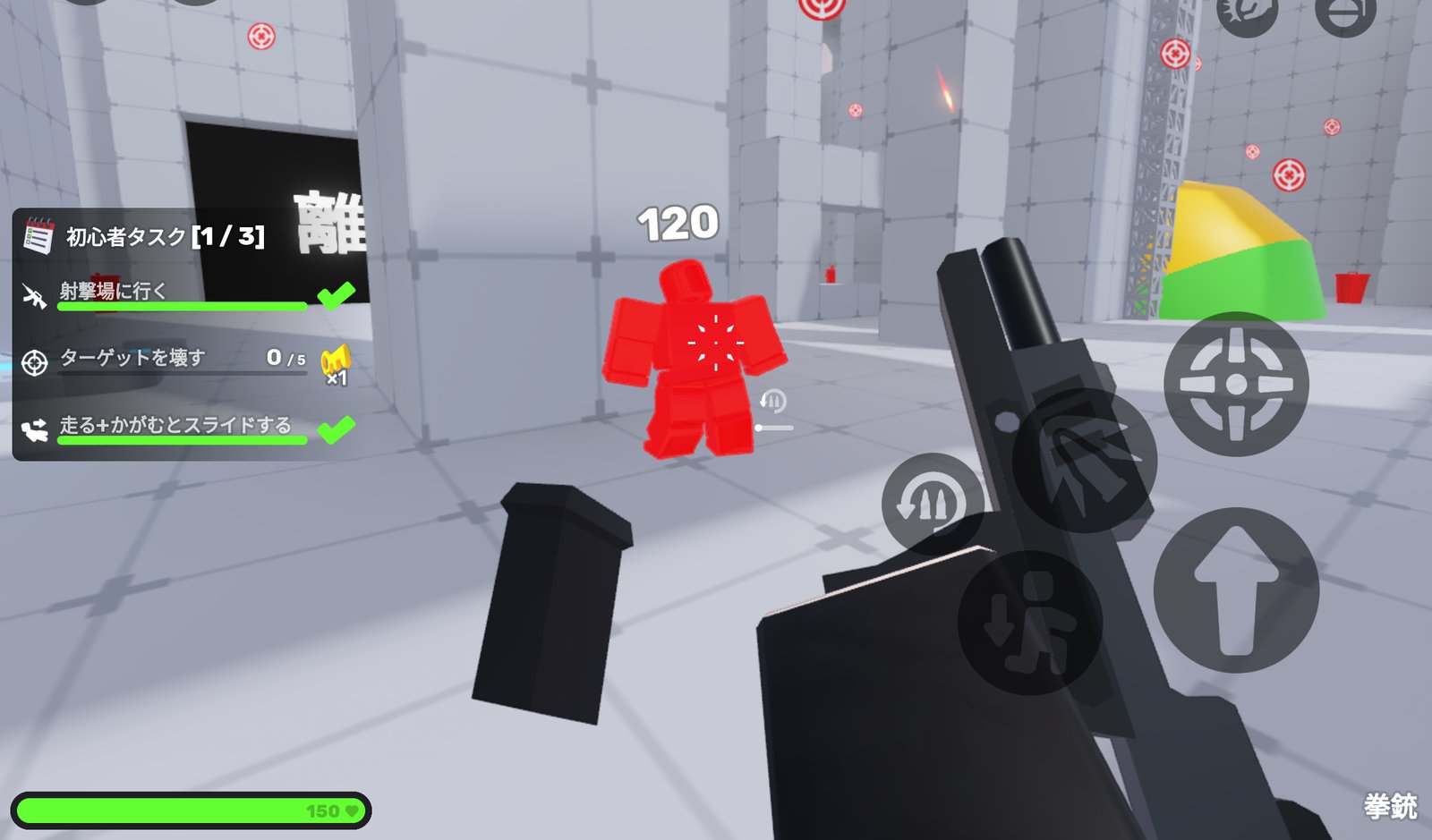
- Test in the Shooting Range: start from your current value, pick a repeatable swipe distance, and aim for about a 180° turn across it.
- If you consistently over-flick past targets, lower it. If you can't clear nearby angles fast enough, raise it. Change one variable at a time.
- A modest DPI with a lower in-game slider tends to give more predictable crosshair placement than a high sensitivity chasing flashy 360° turns.
Recommended toggles
| Setting | Value | Why |
|---|---|---|
| Camera Shake | Off | Removes visual clutter during sprinting/boosting. |
| Muzzle Flash | Hidden | Keeps sightlines clear when firing. |
| Damage Indicator | Outline flash | Confirms hits without obscuring the target. |
| Auto Sprint | On | One less key to hold in a movement-heavy game. |
| Easy Slide | On | Lowers the input precision needed for slide tech. |
| Padded HUD | On | Keeps HUD elements clear of the action. |
| Crosshair | Small dot with outline | Best all-around visibility across maps and backgrounds. |